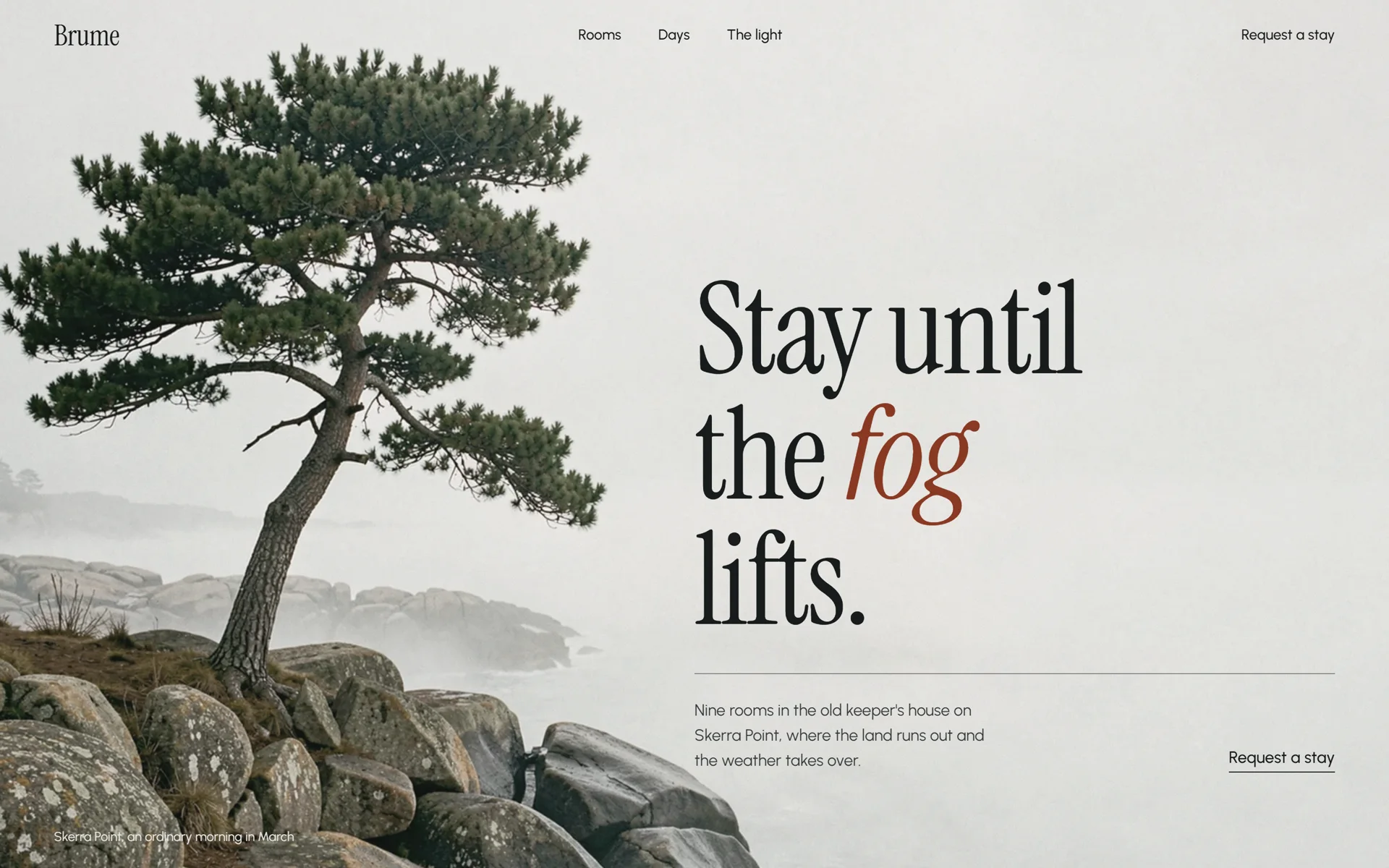
Brume
A nine-room hotel in a lighthouse keeper’s house on a foggy coast.
Slow and photographic. Prints grow into place, clips open from an edge, the holds are long.
Struq is a free, open-source design skill for Claude Code, Cursor, Codex and other AI coding tools: your AI settles the direction, type, colour and motion before it builds, so your site looks studio-made, not AI-made.
Run it once, then type /struq and your brief in Claude Code, Cursor or Codex. Free, open source, no account.
A dark gradient, one safe typeface and three cards in a row. You have seen this page a hundred times this year, and so have your clients.
The cause is the order of the work. An agent that starts building straight away decides how the site looks last, and whatever is decided last falls back to a default.
One idea the whole site is about. Your agent writes it into a single plan file, STRUQ.md, and stops once to show you. You approve it, or you change it.
Two typefaces from Struq’s pairings, chosen by temperament and loaded at their real weights. The headline carries the page, the way it does in a studio.
A palette with roles: a ladder of surfaces, an ink, one accent and the ink that sits on it. It lands as one token block that every part of the site reads.
Preloaders, page transitions, pinned showpieces and WebGL backgrounds arrive as real files, each judged against an award-tier reference. The blocks carry the timing, so nothing is left to a guessed easing curve.
Then it builds.
Each of these began as one line and was directed before it was built: an idea, two typefaces, a palette and one way of moving. Open them and scroll.
A nine-room hotel in a lighthouse keeper’s house on a foggy coast.
Slow and photographic. Prints grow into place, clips open from an edge, the holds are long.
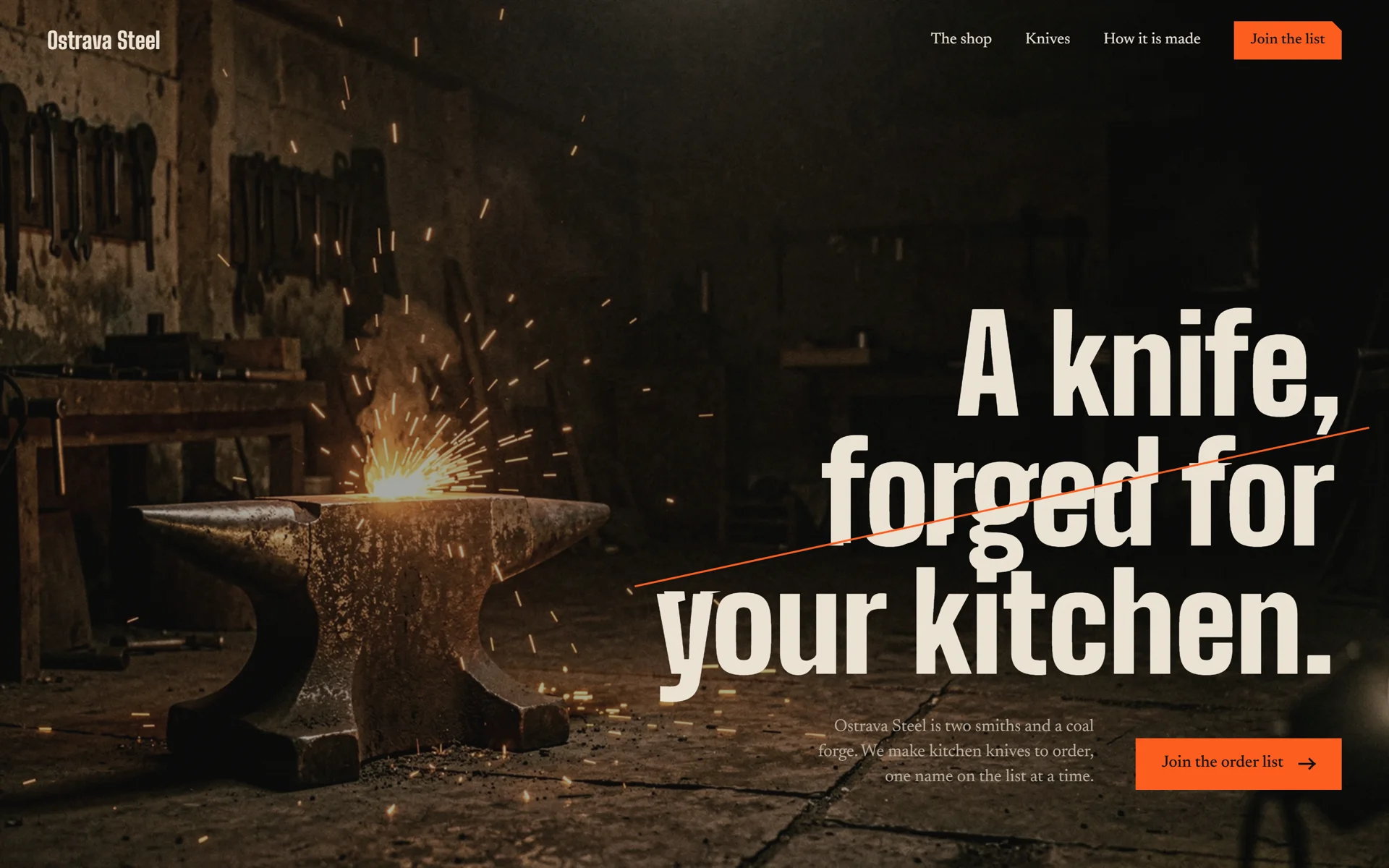
A two-person forge that makes kitchen knives to order.
Hard cuts and short masks. Nothing fades, everything arrives in slices.
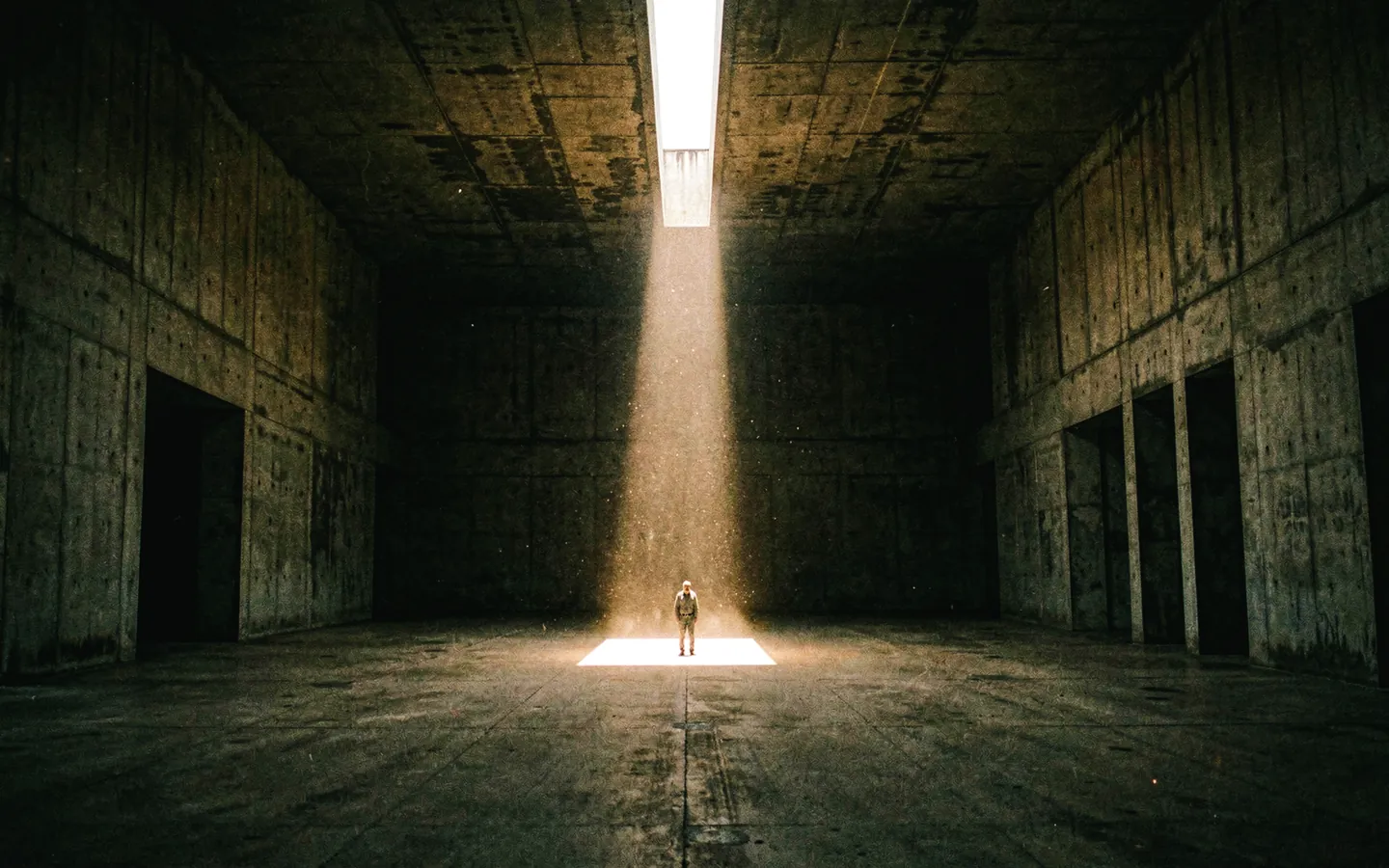
A film and brand studio on the Maashaven in Rotterdam.
A dark projection room and one amber light. Gates part, and a reel advances one frame per scroll.
A demonstration brief with layout copy. Directed the Struq way (idea, type, colour and motion first) and built by Claude Opus as one file.
/struq
One line is enough. Who it is for, what it should feel like, anything you already have.
The site is planned as one film: a motion language, one idea, one motif and a storyboard of scenes. Then a palette, a type pairing and a photo pack, all in one STRUQ.md that must pass its own check. You approve, and send a logo, photos or real numbers if you have them.
Each block is installed with everything it imports. Your agent writes the tokens, the fonts and your real copy around them.
A check script runs until it passes. With a browser tool the agent also looks at the page at phone and desktop width and fixes what it sees.
Struq Icons is the set every build uses by default: 182 icons in two tones, 118 of them with one small move on hover. Free, and yours to use anywhere.
Paste it into Claude Code. It runs the install, then /struq is ready.
The Struq skill is free and open source. No account, no key, nothing to configure. Version 0.5.0, and you update by running it again.
The Struq skill is a free, open-source design skill for Claude Code, Cursor, Codex and other AI coding tools. Your agent settles a direction, two typefaces, a colour system and the motion before it writes any markup, stops once for your approval, then builds the site from 44 admitted blocks and checks its own work.
Nothing. The skill is free and open source under the MIT licence, and it needs no account. You pay only for your own AI tool, if that has a subscription.
Claude Code, Cursor, Codex and OpenCode are the tested ones. The installer finds the AI tools on your machine and installs the skill into each of them, including Gemini CLI, GitHub Copilot and Windsurf. In Claude Code it also installs as a plugin.
Copy the install prompt for your tool and paste it into your agent. It runs npx @struq/skill@latest for you. In a terminal, run the same command yourself. Run it again to update, and add the word remove to take it out.
No, but you need a tool that writes files and code itself, such as Claude Code, Cursor or Codex. You describe the site and approve the plan. The skill does not run in a chat window or in a site builder.
Only when you ask. With /struq redesign your agent keeps your brand, copy and components and proposes where blocks replace the weakest parts. With /struq audit it changes nothing and returns a list of what makes the page look AI-made, each with its fix.